An independent, lightweight Minecraft: Java Edition launcher for Windows, built on a self-developed Rust core and Tauri 2. It opens straight to your last world, changes its accent color with each instance, lets you undo mod changes in one click, and collects no telemetry.
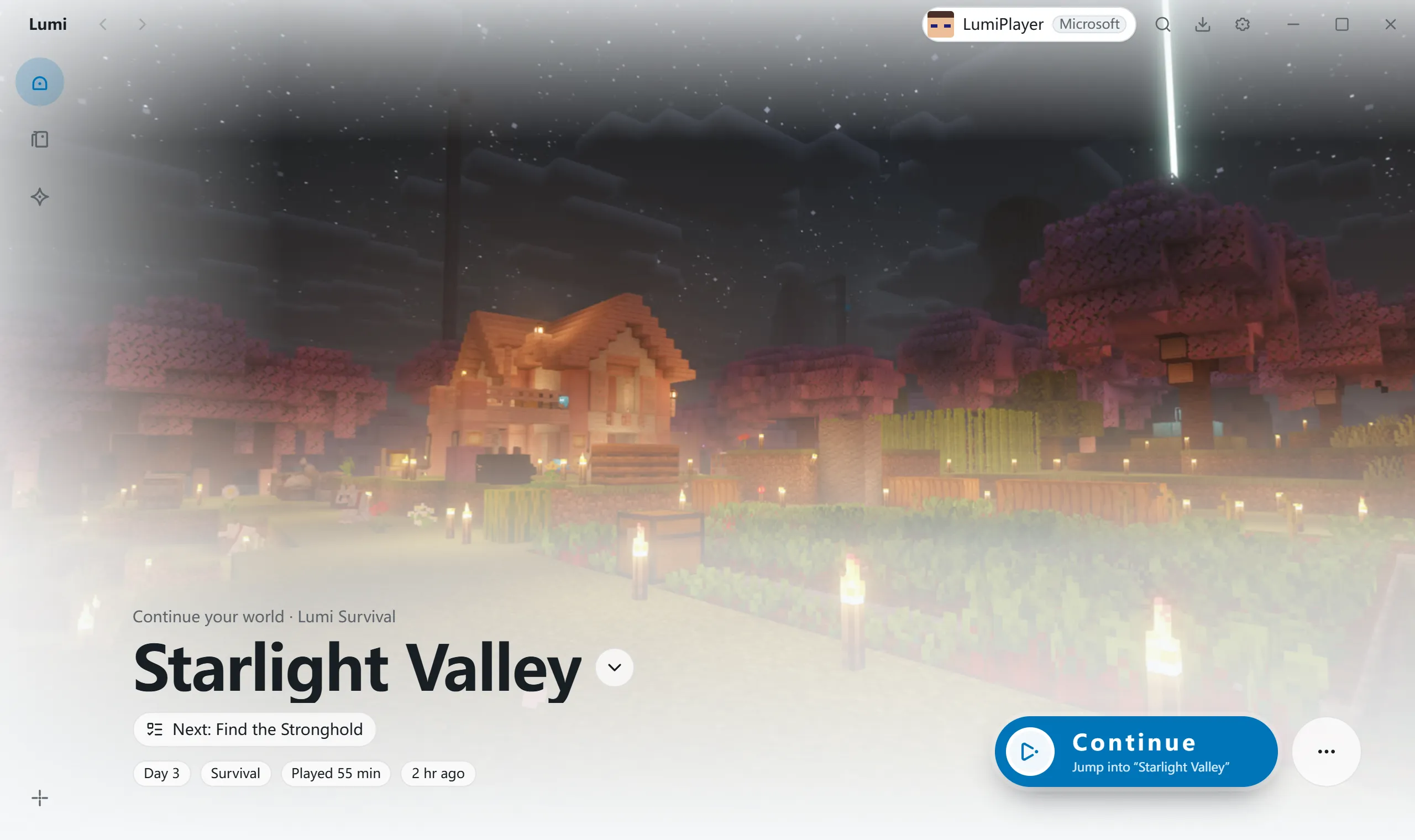
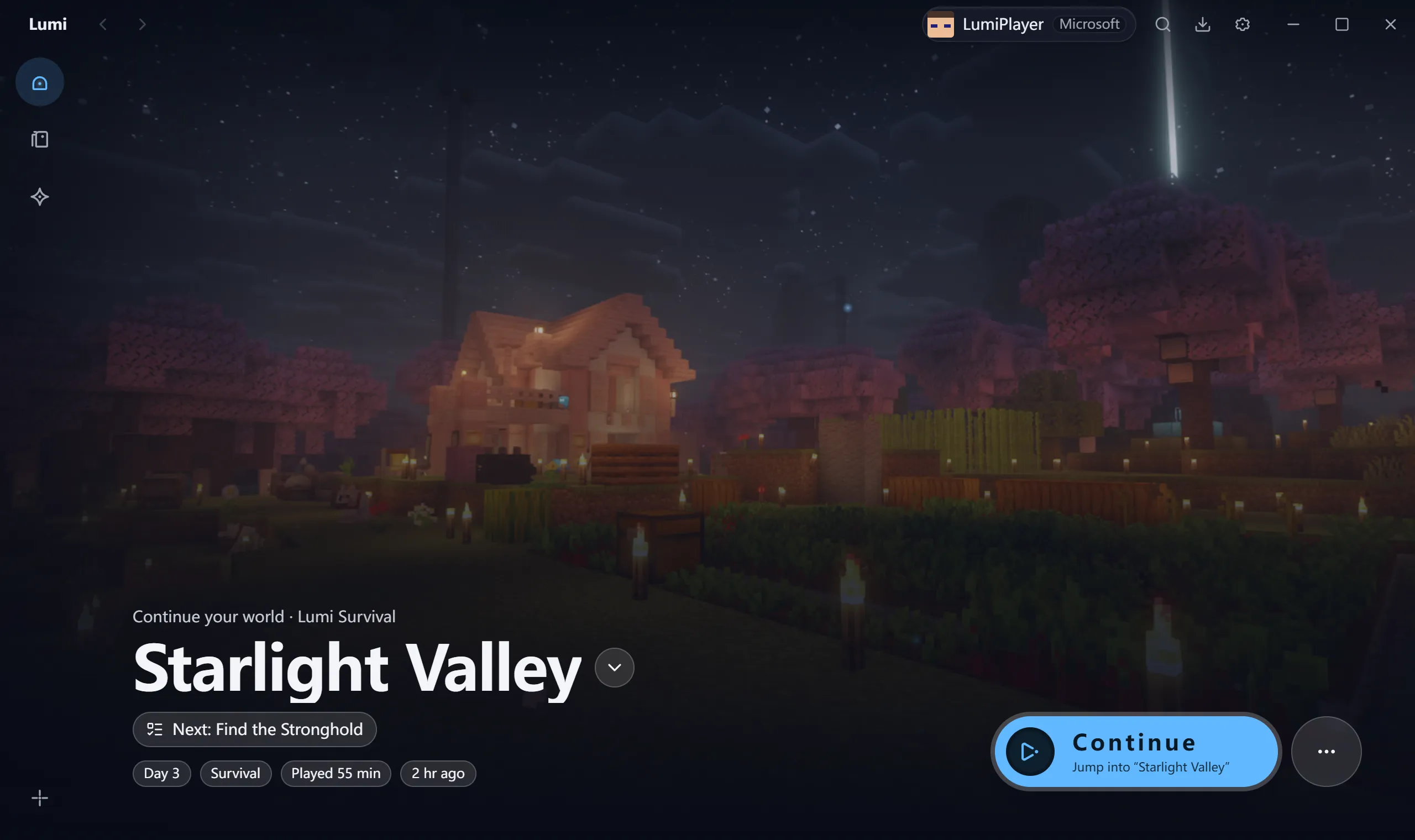
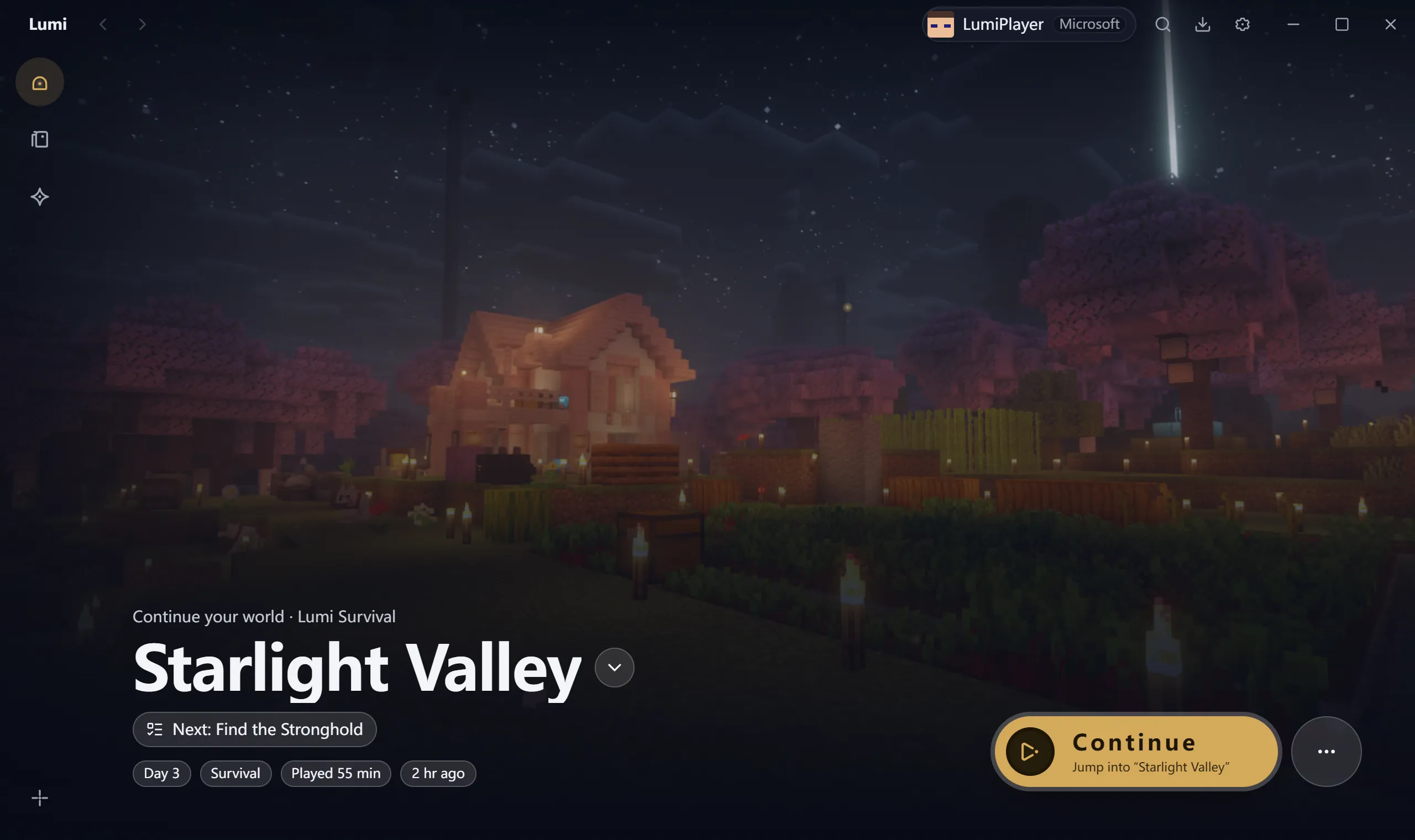
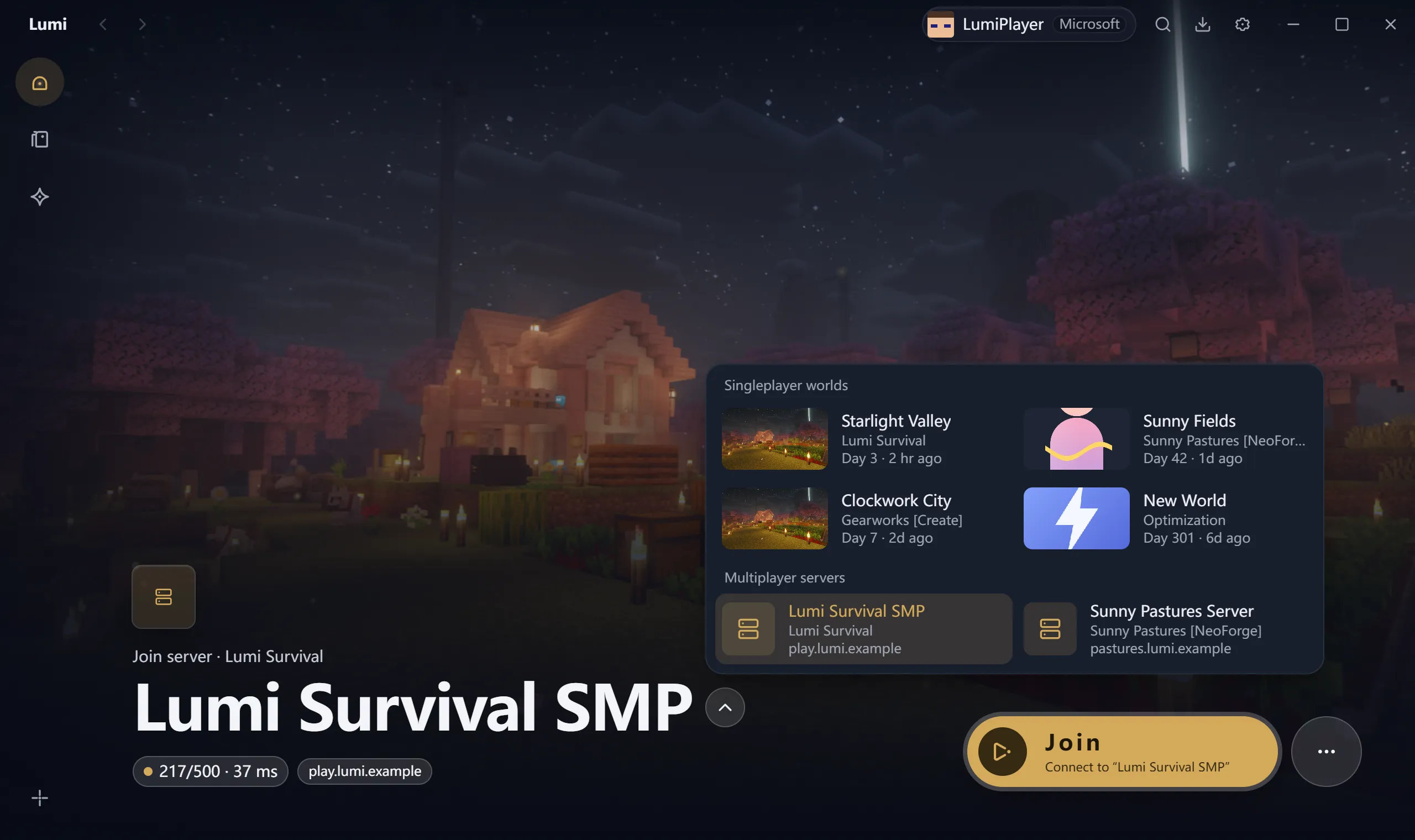
Opens on the world you played last. Click Continue to jump straight in.
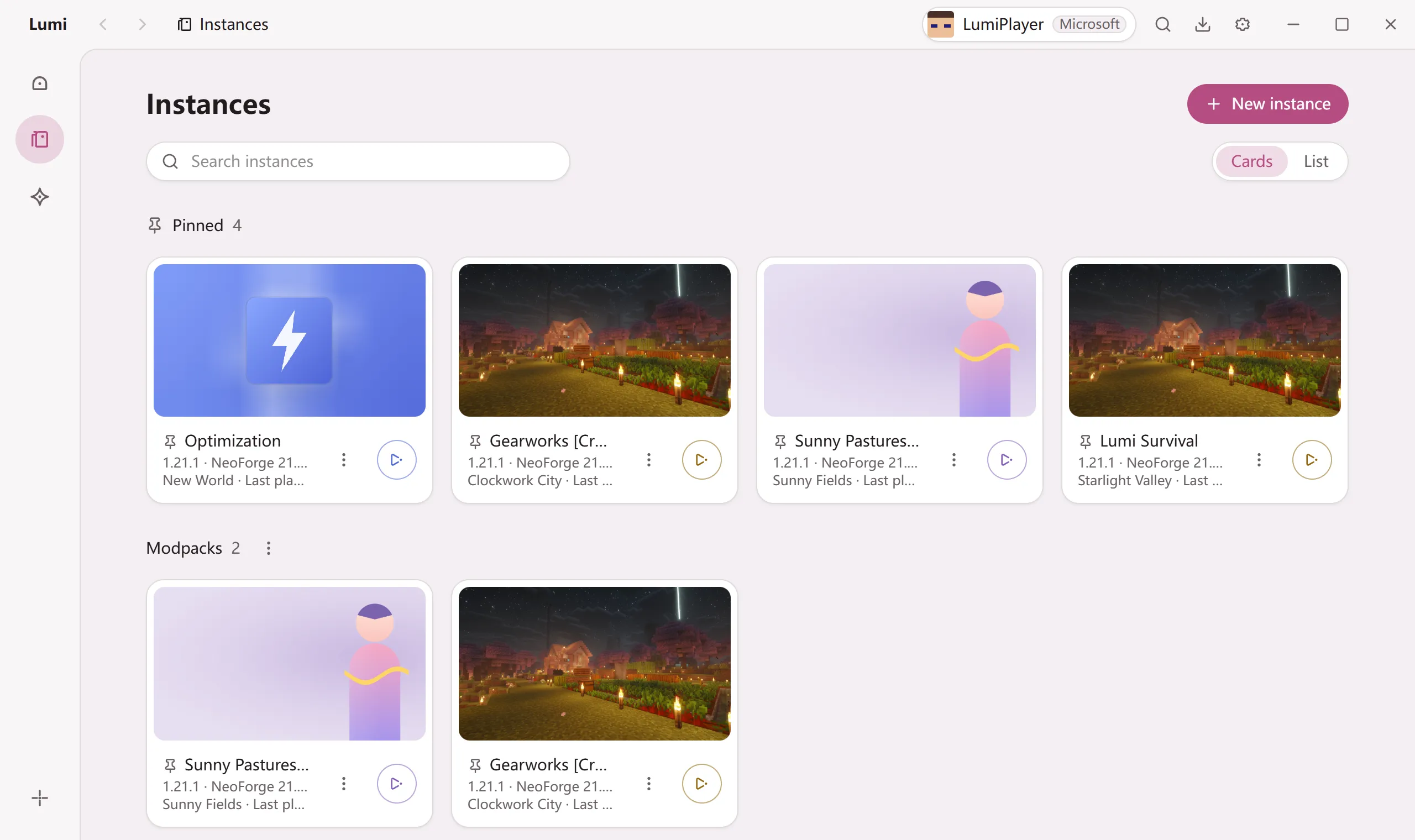
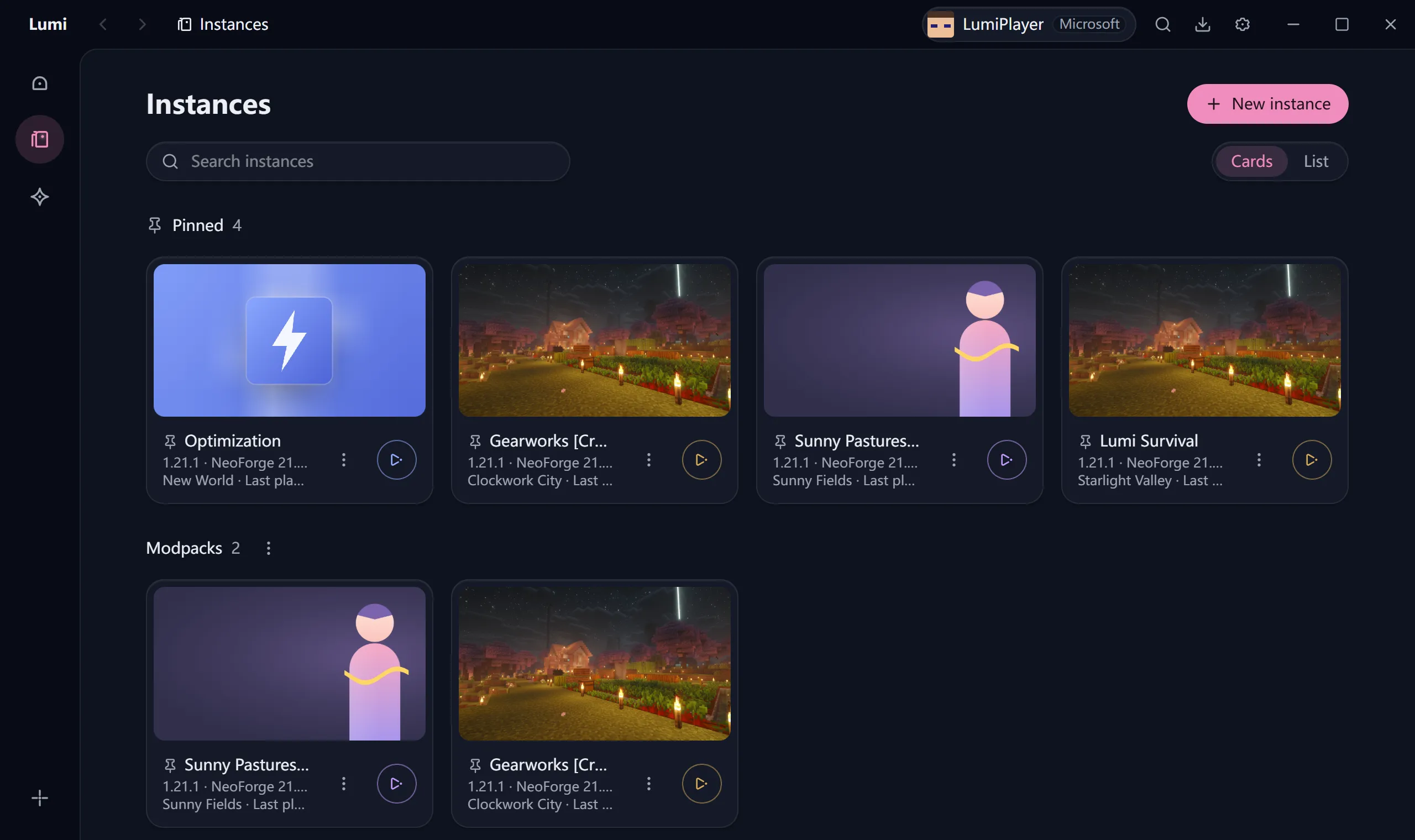
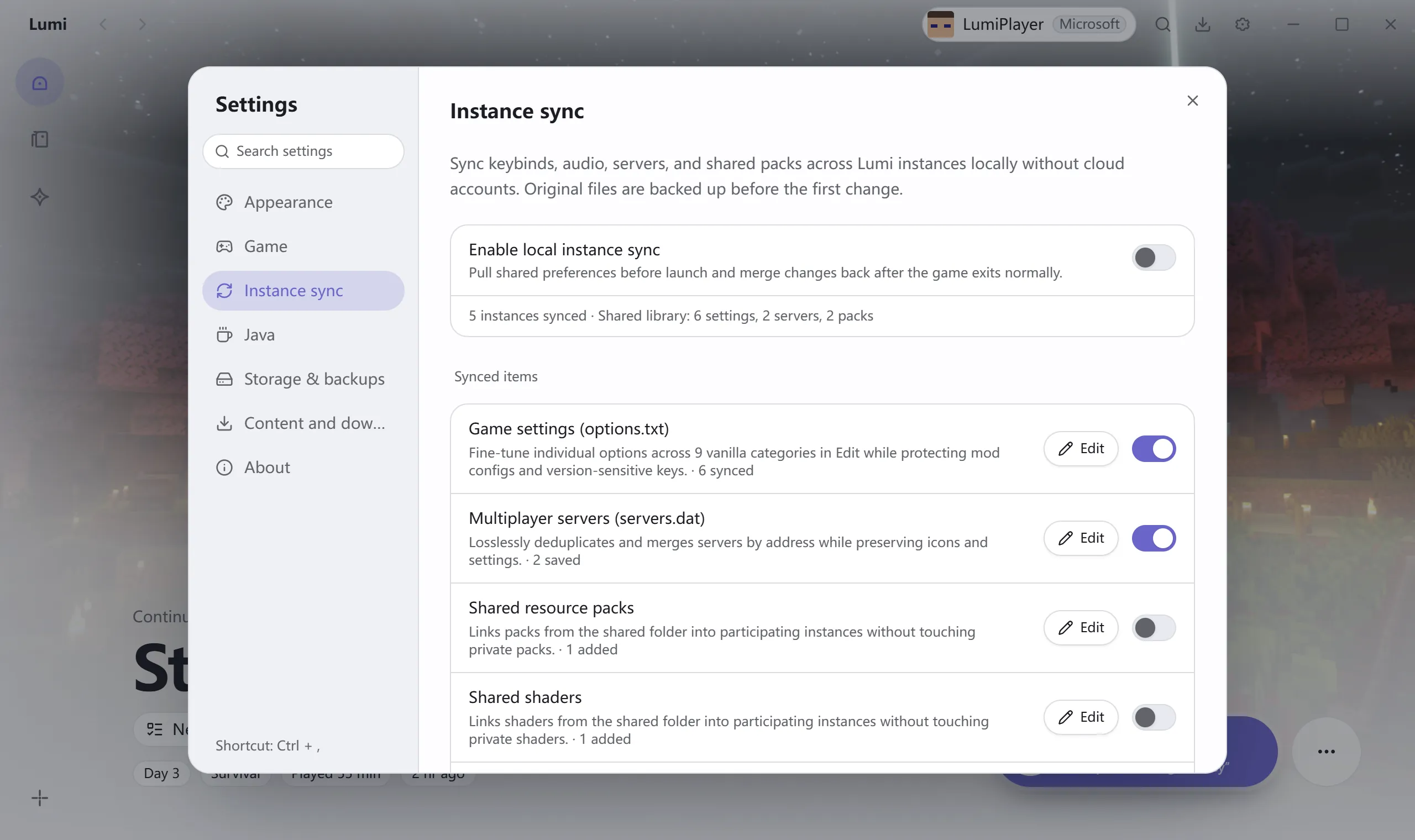
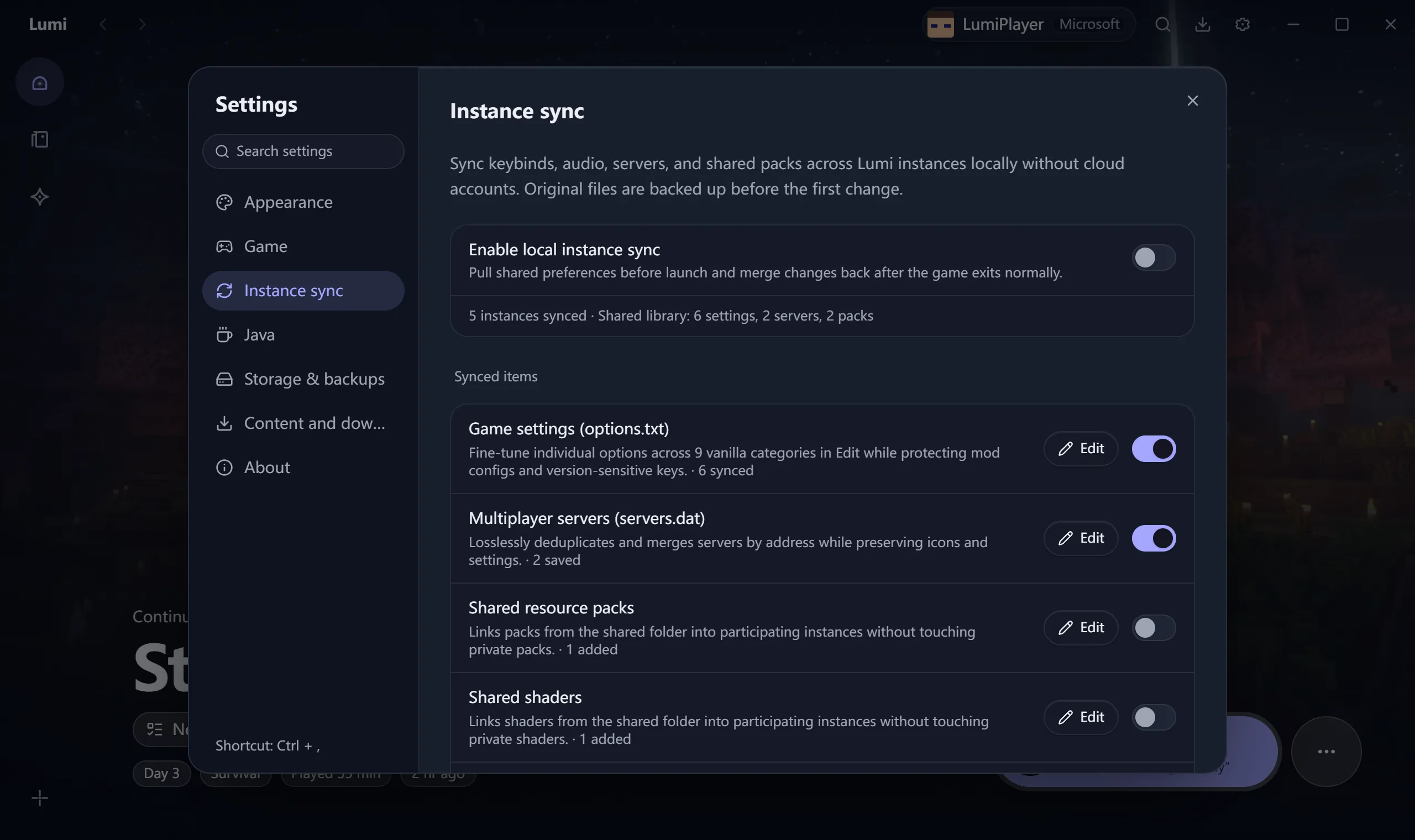
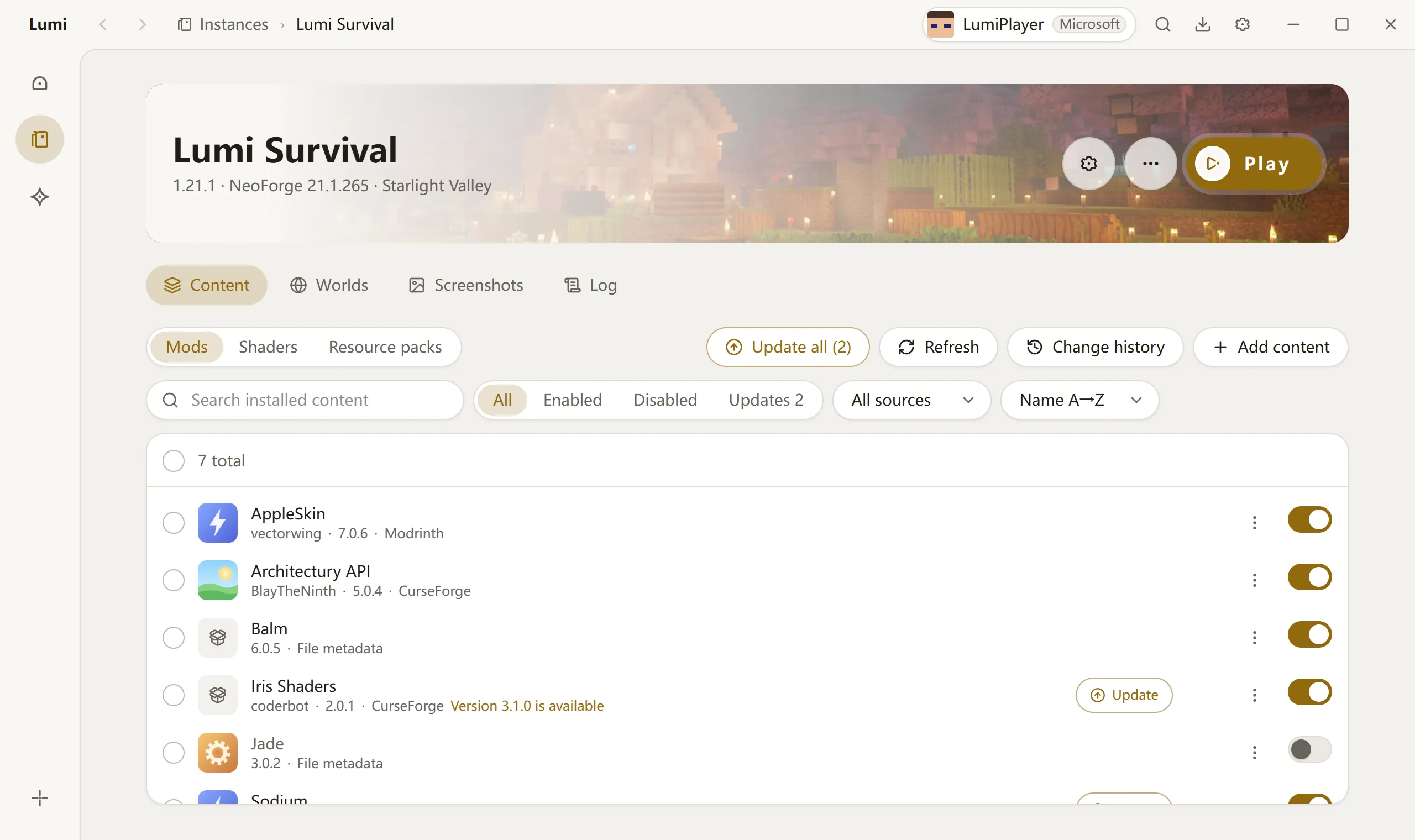
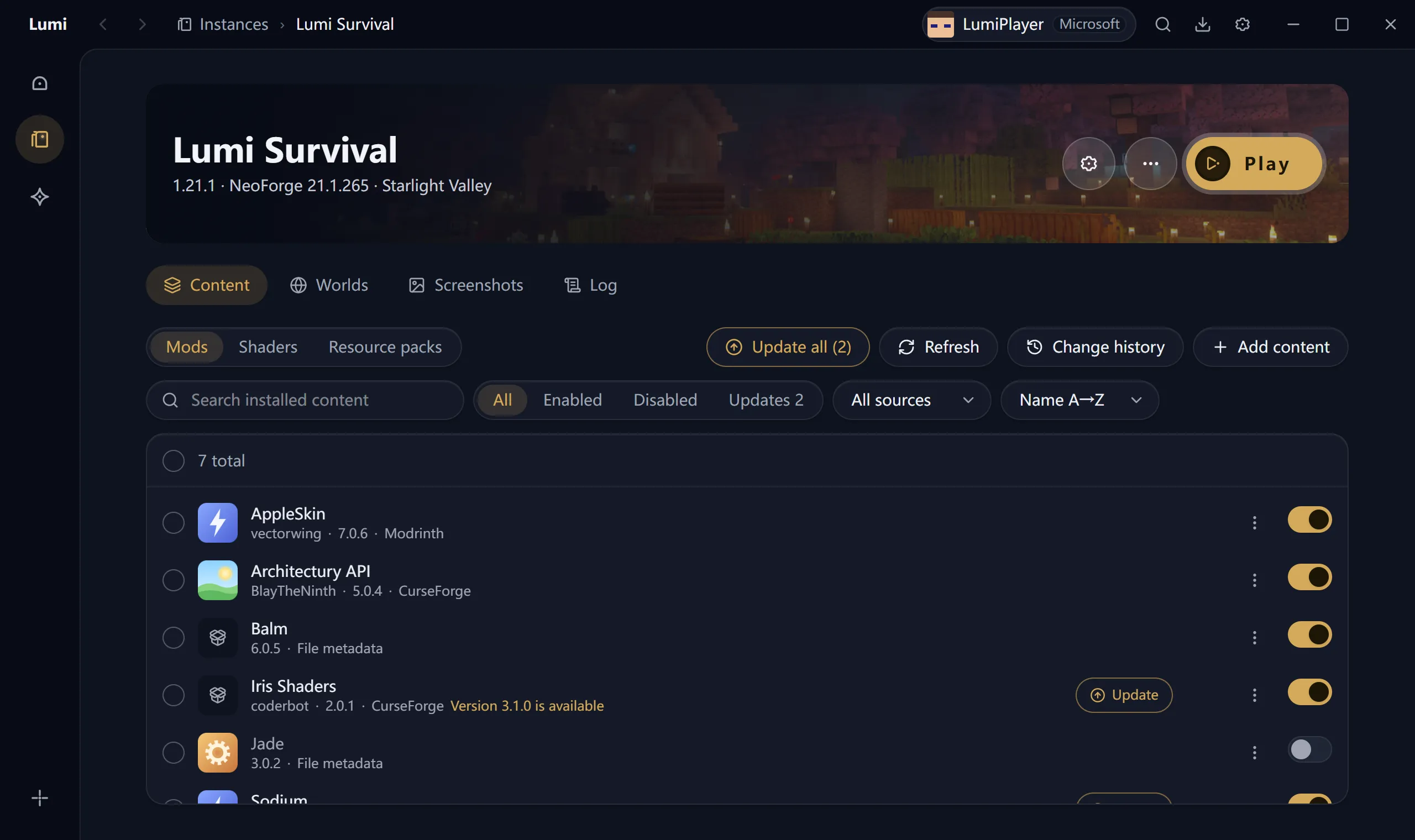
Click the Light World Home / Library / Instance Sync / Night Glow tabs above to switch the page and screenshot colors togetherClick the Dark World Home / Library / Instance Sync / Sunset Glow tabs above to switch the page and screenshot colors togetherClick around yourself → Launch Live Demo
9.6 MB
Native Installer
Rust + Tauri 2, quick to start
0 Telemetry
Local-First & Ad-Free
No trackers, pop-ups or cloud accounts
1-Click Play
Direct Quick Play
Frees WebView memory while you play
Direct Link
Existing Folders
Link PCL2 / HMCL / official folders, no copying
01 · STRAIGHT TO YOUR WORLDS & SERVERS
One click from desktop to spawn
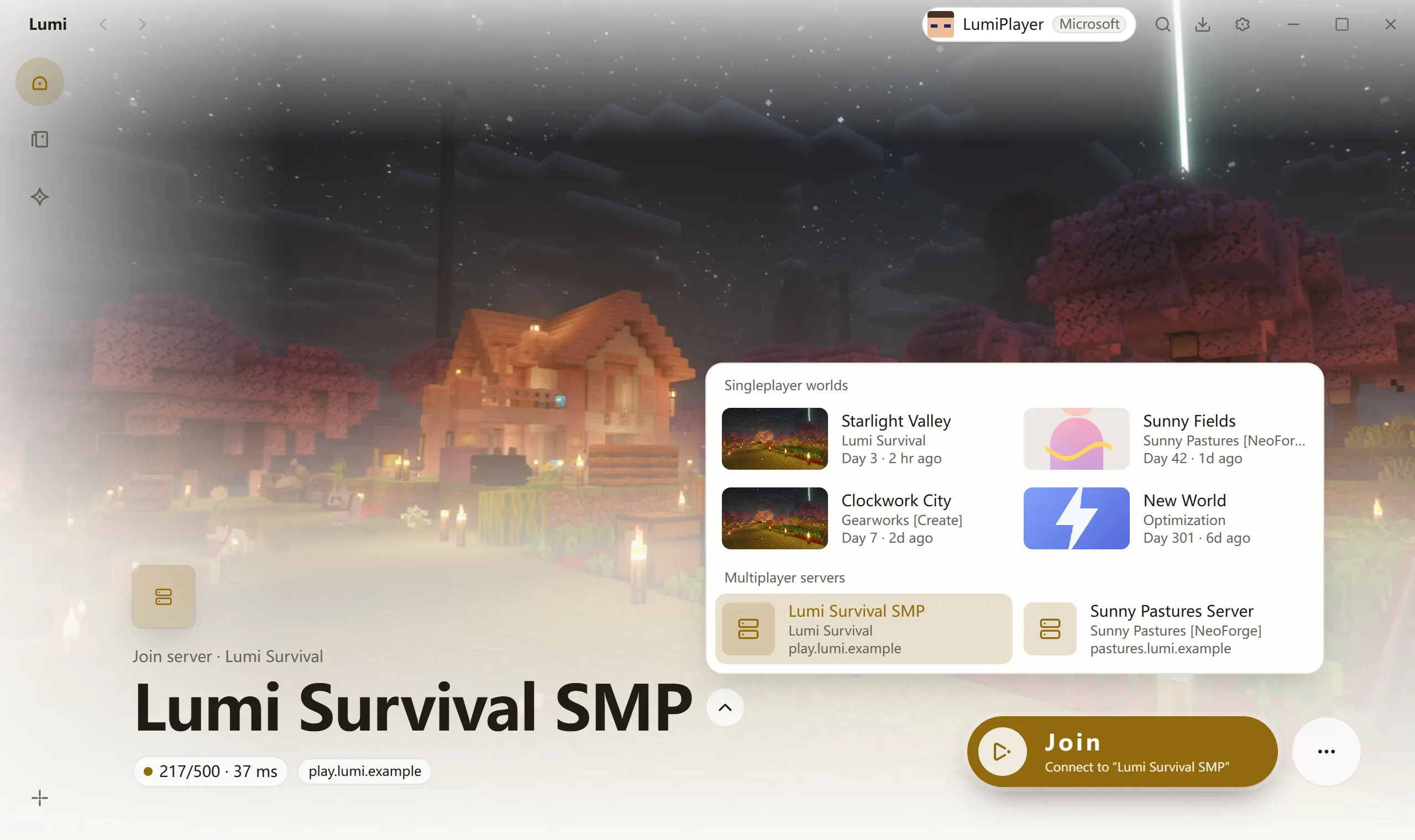
Jump into your latest singleplayer world or favorite multiplayer server, with player counts and ping shown up front and HUD-free automatic world covers.
Worlds & Multiplayer Quick Play
Player counts and ping right on the home page.
HUD-Free Automatic Covers
Keeps 5 recent shots per world with one-click cover locking.
Release UI While Playing
Frees WebView memory to tray and refocuses on exit.
02 · UNDO ANY MOD CHANGE
Broke a mod setup? Roll back in one click.
A local check before launch catches missing dependencies and loader mismatches, and every change leaves a snapshot. Try a one-click rollback below:
2 recent changes detected · Mod version conflict
+ Iris Shaders 1.8.0 · ↑ Sodium 0.6.5 → 0.6.6
03 · UNIFIED DISCOVERY
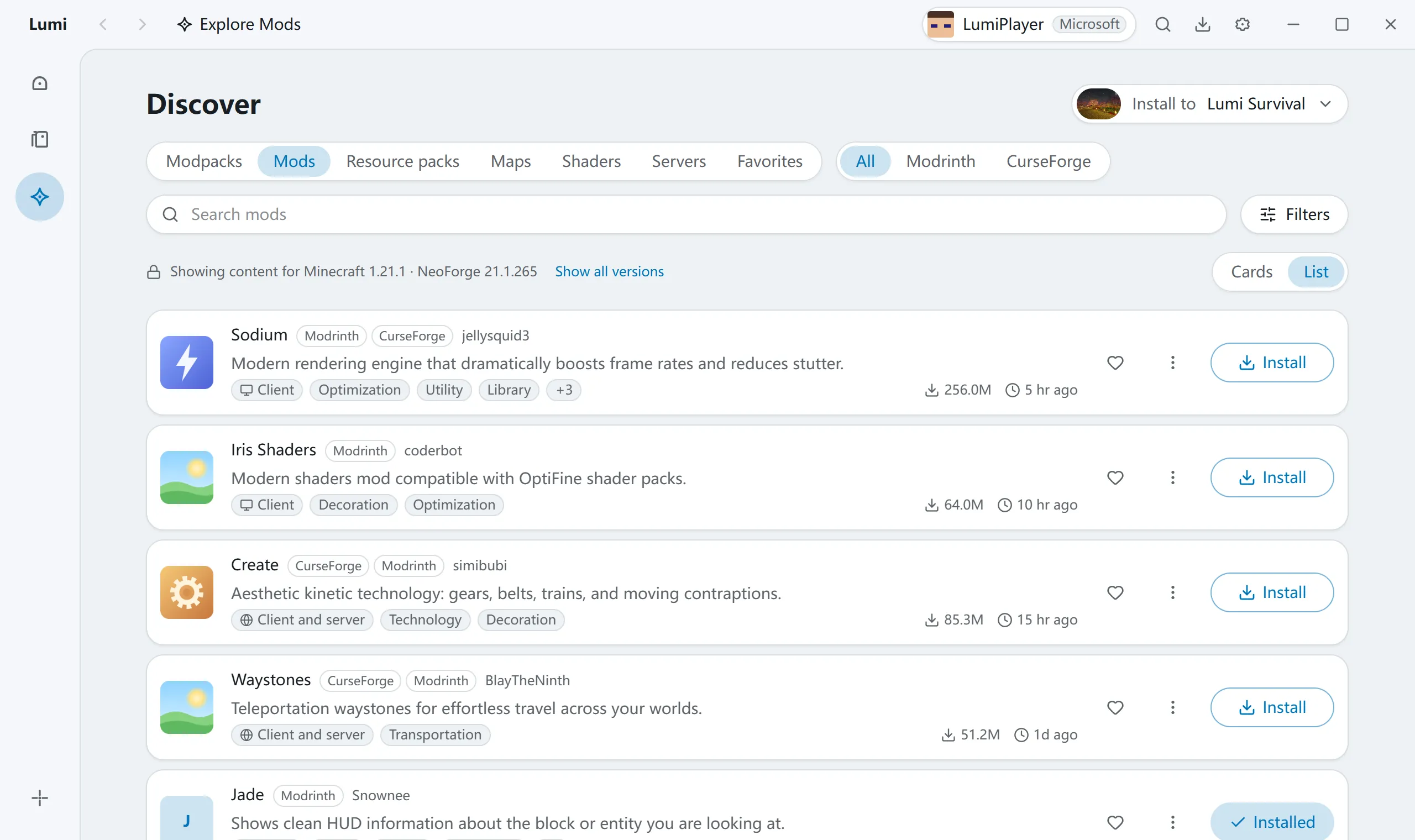
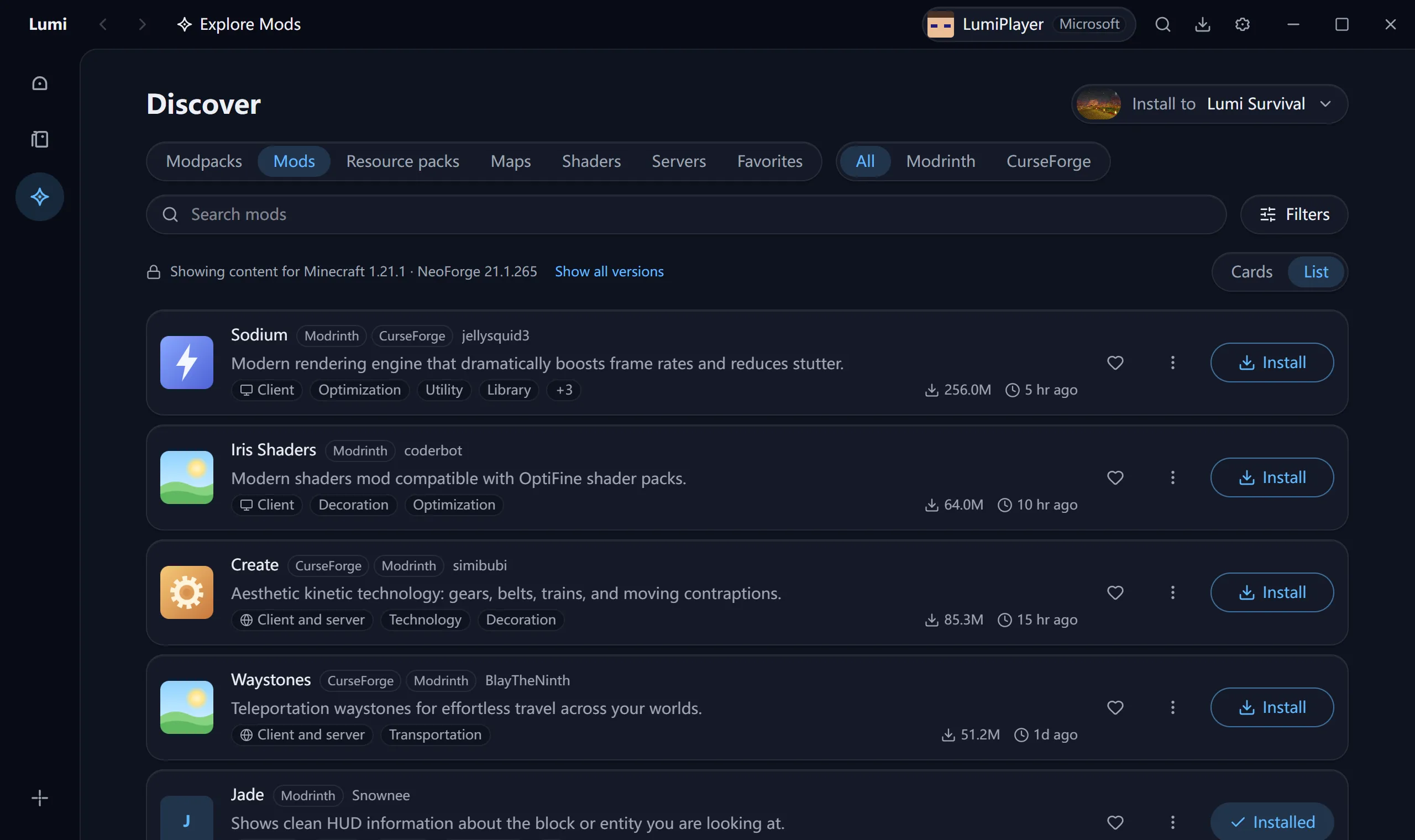
Search and install from both platforms
Unified discovery with dependency preview and SHA-256 hash matching for restricted CurseForge files. Click to preview:
Modrinth + CurseForge Deduplicated
Sodium 0.6.6 · 1.21.1 NeoForge
255M+ downloads on Modrinth · Locked to your instance loader & version · 1-click install
04 · ACCOUNT & PRIVACY
Credentials kept separate, source fully open
A self-developed Rust core on Tauri 2, with no telemetry or ads. Optional mirrors speed up public game files; sign-in always goes straight to Microsoft and Mojang.
Official Windows 10 / 11 (x64) builds verified directly against GitHub Releases.
v0.6.2-prereview|Pre-review Build|Nov 22, 2026
Microsoft sign-in is intentionally disabled in this pre-review build while Mojang reviews Lumi's AppID. You can still explore the interface, manage instances and saves, browse Modrinth/CurseForge, and inspect settings. A playable build will follow once approval lands.
2. Confirm the filename matches and click “Run anyway”.
Lumi does not currently carry a commercial Windows code-signing certificate — the same as most community open-source launchers. Downloading from this official site or GitHub Releases and verifying SHA-256 confirms the file is untouched by third parties. Installed builds also verify signatures on automatic updates.
Yes. Lumi only signs in via official Microsoft OAuth 2.0 + PKCE and verifies legitimate Minecraft: Java Edition ownership before launching. Offline usernames, third-party skin/auth servers, and authlib injectors are intentionally not supported.
Lumi currently supports Windows 10 and Windows 11 (64-bit) only.
It won't delete or move anything. Linking an official, PCL or HMCL folder copies nothing, and removing the link only deletes Lumi's record. Importing from Prism, Modrinth App, CurseForge or ATLauncher makes a separate copy. Uninstalling Lumi keeps your game directory by default.
Lumi's Windows installer is not code-signed yet (like most community open-source launchers). Click 'More info' → 'Run anyway', and verify the SHA-256 hash against SHA256SUMS.txt on our Download page or GitHub Releases. Automatic updates are cryptographically signed.
No. Lumi has no telemetry, no ads and no backend user database, and neither the launcher nor this website runs third-party ad or tracking scripts.
Yes. Lumi uses its own isolated data folder (or a self-contained LumiData folder in Portable mode) so it doesn't affect other launchers on your PC.
Yes. It's free, has no ads, and is licensed under GPL-3.0-only, with Section 7 brand protection terms so modified builds can't pass themselves off as Lumi.
COMMUNITY
Join the Lumi Community
Share worlds, report bugs, ask questions, or follow development updates directly.